
Searching for a Warrant in Bedford County
Open the Bedford County TnCIS search for Circuit Court, General Sessions, or Clerk and Master case context. Select the likely court and case type, enter your own full name or a case reference, then complete Turnstile. The site is a case and party search. It does not call itself an active-warrant database, and a result must be checked with the issuing court.
- Choose Criminal and the court type that fits the case. General Sessions and Circuit are the usual county criminal starting points.
- Use your full first and last name or a case reference. Search Help says the final numeric segment of a formatted case number can be used.
- For a city citation, check that municipal court separately. No single public Tennessee warrant database was verified.
- If the portal does not answer the question, contact the Circuit Clerk at 931-684-3223 or ask the Sheriff at 931-684-3232 which office handles it.
- Confirm status and next steps with the issuing office; get legal advice before making a decision about a possible warrant.
The Turnstile Does Not Return a No-Record Result
Bedford’s public search page requires a Turnstile anti-bot check before Find Now becomes available. That is a gate on the search form, not a record-status signal. If the check fails, retry from the official portal or ask the Circuit Clerk how to use the public search. Do not treat a disabled button as evidence that no file exists.
The portal covers county case records, not every city court or law-enforcement entry. If Turnstile fails, contact the Circuit Clerk; a failed challenge is not a no-record result.
The TnCIS landing page shows the county’s public portal route.
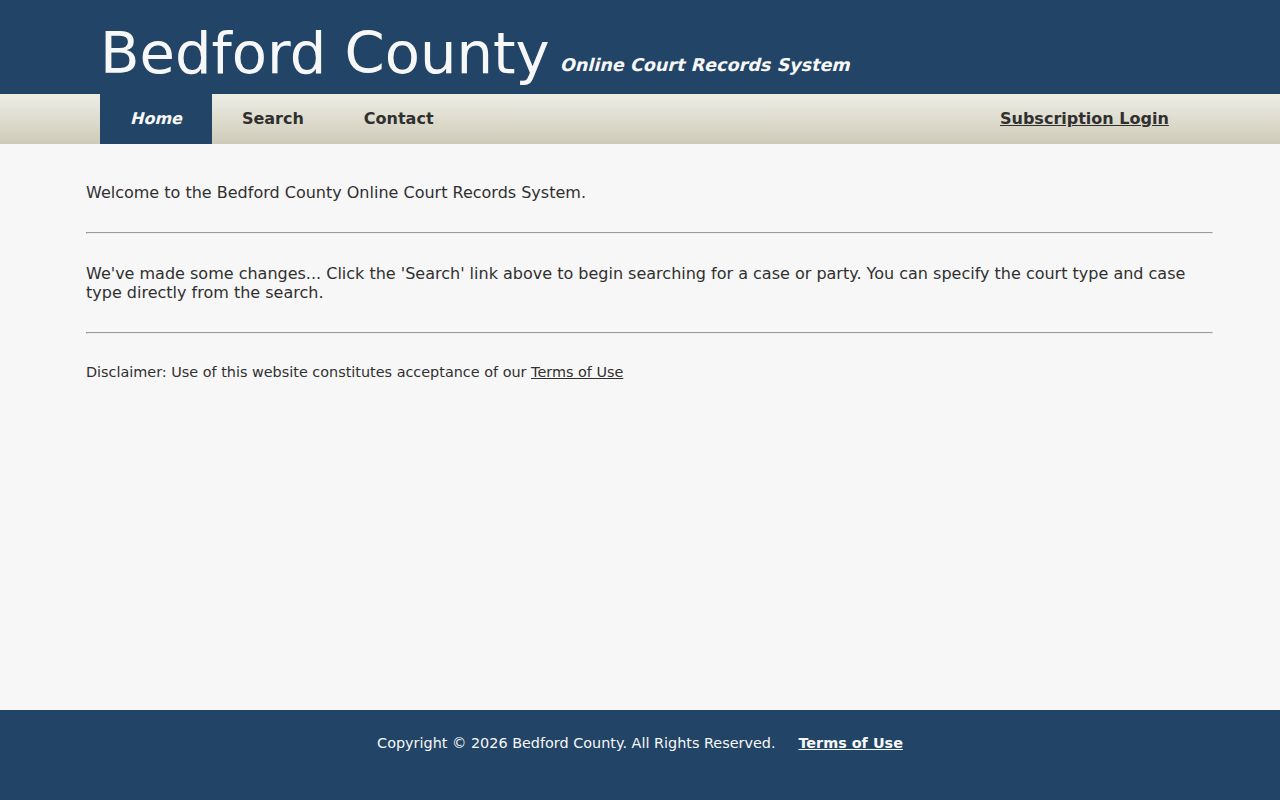
Use the portal as a first step, then verify an uncertain case with its clerk.
Warrant Search Fields Explained
TnCIS combines party details with case filters. Court Type and Case Type are central: selecting the wrong track can hide a result even when the name is spelled correctly. Match all search terms is checked by default, and turning it off broadens a compound search. The portal does not ask for a date of birth on this form.
| Field Label | Type | Required | Notes |
|---|---|---|---|
| Party Name | Text, up to 100 characters | Optional with another criterion | Full first and last name works best; Search Help says partial first names may fail. |
| Match all search terms | Checkbox | No | Checked by default; clear it to broaden a compound search. |
| Case Year | Text, up to 4 characters | No | Usually the year the case was filed. |
| Case Number | Text, up to 50 characters | No | Search Help says to use the final numeric segment of a formatted number. |
| Court Type | Checkbox group | At least one | Circuit Court, General Sessions, or Clerk and Master. |
| Case Type | Checkbox group | At least one | Criminal or Civil; ask the clerk which type fits the matter. |
| Find Now / Turnstile | Button and anti-bot check | Turnstile required | The search button stays disabled until the check is complete. |
Case References Use the Final Number Segment
Bedford’s Search Help allows a case reference in the Party Name field and advises users to search either by name or by case reference rather than mixing both. For a formatted case number, it directs the user to enter the final numeric portion. The research did not retain a live case example, so no sample number is printed here.
Sortable headings and the visible-results filter can narrow a returned list, but neither searches a different court.
Bedford’s Search Help is linked beside the official search form.
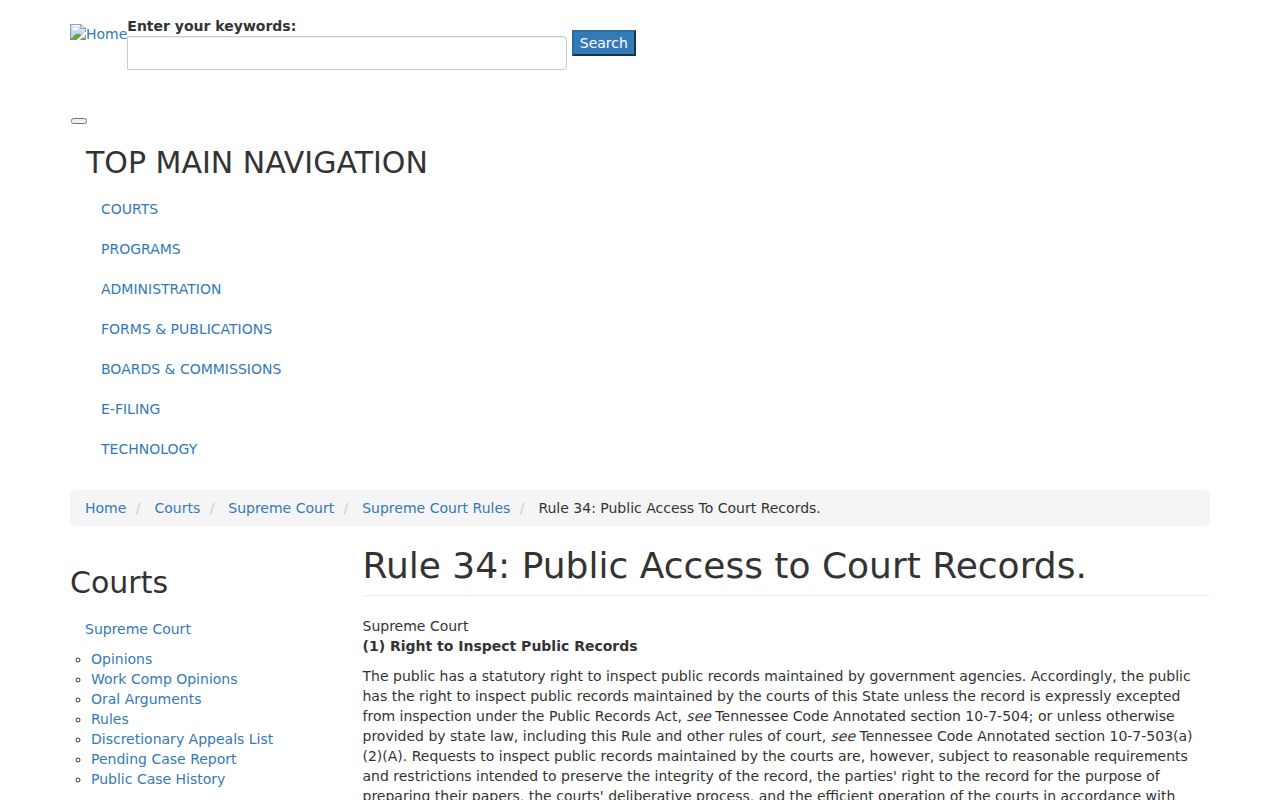
Read the help text before broadening a search so a typo does not become a false conclusion.
What a Warrant Search Shows
A match is a court case lead, not a guaranteed current warrant record. TnCIS case detail can include General, Filings, Attorneys, Fees, and Additional Parties tabs. The research retained no live sample row and found no dedicated public active-warrant schema, so the fields below describe what to ask about without inventing a Bedford warrant number or result.
| Warrant number | Format not verified The research did not retain a safe sample number. |
|---|---|
| Charge or event | Read the public docket entry and filing context; a case may contain more than one event. |
| Issuing court | Identify the Circuit, General Sessions, municipal, juvenile, or federal track. |
| Bond or release | Ask the commissioner or issuing court for current conditions; no universal Bedford schedule was located. |
| Status | Confirm active, served, recalled, continued, or satisfied status with the issuing office. |
A Portal Result Needs Clerk Confirmation
A docket can show a warrant event even after later action. A payment, reset, appearance, recall, or service return may not be obvious from a short result row. The Circuit Clerk can direct a caller to the proper county office, while the issuing court confirms whether the order still applies.
Bedford lists the Circuit Court Clerk at 931-684-3223 and the Judicial Commissioners at 931-684-7221. The Sheriff’s Office at 931-684-3232 handles county law-enforcement routing. Have the case name, approximate year, and court type ready, and ask for the current status and required next step.
The Clerk is at 108 North Creek Drive, Suite 6; the Sheriff page lists 110 Northcreek Drive. Confirm the right office before visiting.
Where to Check Warrants in Bedford County
Use TnCIS and the Circuit Clerk for county case context. Judicial Commissioners handle questions about probable cause, arraignment, bail, and release. The Sheriff routes county law-enforcement questions, but publishes no verified warrant roster.
City courts remain separate: Shelbyville and Wartrace publish their own procedures; Bell Buckle and Normandy route residents through Town Hall. No single public Tennessee warrant search was verified.
Shelbyville Citations Use a Separate Route
A citation from Shelbyville City Court is not automatically a Bedford TnCIS case. The city’s Police page lists City Court at the Recreation Center on the first Monday of each month. It directs citation payment through a separate city channel and says the citation number serves as the payment account number. Use the court clerk to confirm a warrant or missed-date question.
Wartrace also has a municipal court with its own traffic dates and payment rules. A city code or payment page explains local procedure, but it is not a live warrant-status screen.
Shelbyville Police publishes the city court route.

Use the city’s current instruction when the underlying record began with a Shelbyville citation.
Narrow Records Requests Work Better
If the portal does not answer a question about your own case, ask for a specific record or procedure. Name the office, case type, approximate date range, and format. Bedford’s public clerk page says copy fees apply, but the research did not locate a current dollar schedule or county warrant-request form.
Tennessee’s Public Records Act is subject to citizen identification, confidentiality, and other exceptions. Court records also follow Rule 34. The receiving office may refer a request if another clerk, city recorder, or agency holds the item.
The Circuit Court Clerk says adult Circuit and General Sessions files are public except juvenile records, and copy fees apply. A narrow request for a policy, fee schedule, or specific case record is easier to route than a request for all active warrants.
If your own case does not appear, ask whether the year, court, or case-type filter should change. TnCIS has no date-of-birth field, so verify any name match with the clerk.
The portal clerk-contact page provides a route for questions about the county search.
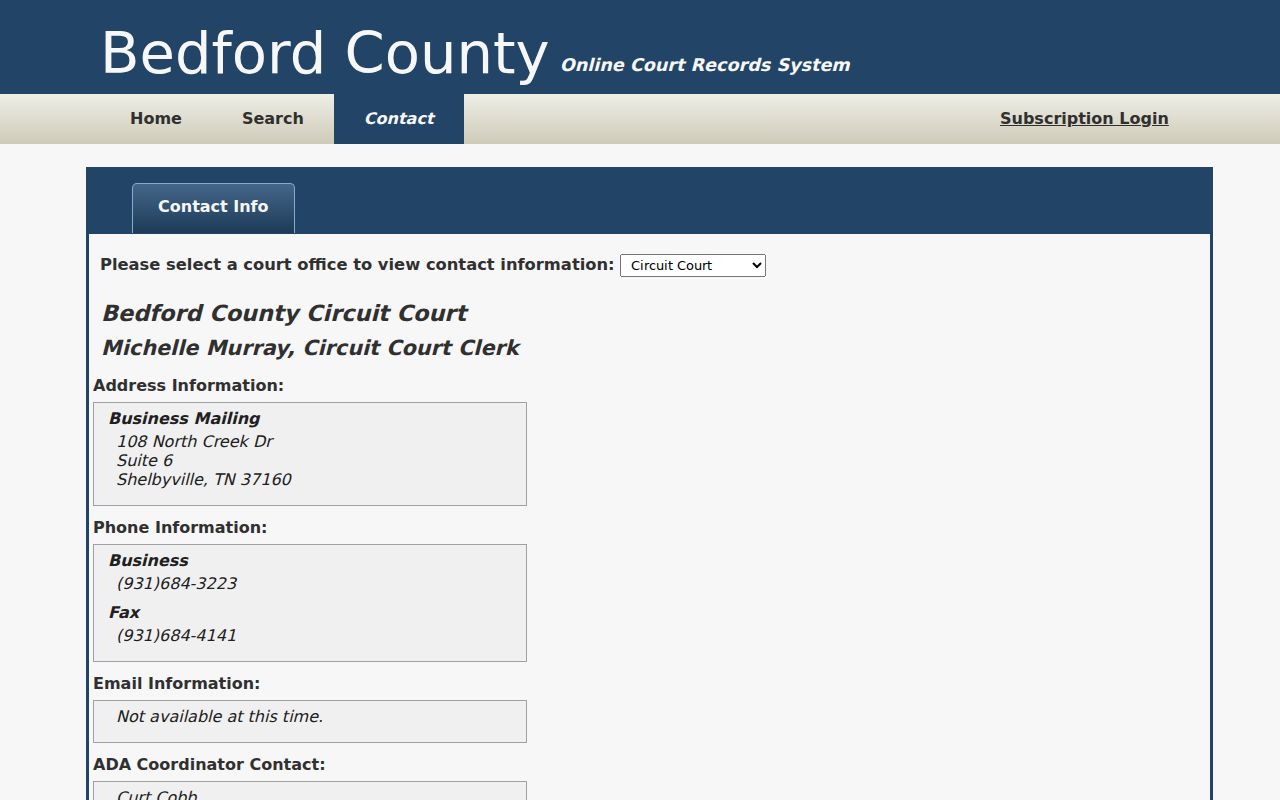
Ask for status guidance or a current procedure rather than an unsupported bulk roster.
Restricted Warrants and Access Rules
Tennessee public access has limits. Rule 34 governs court files, while T.C.A. §§ 10-7-501 et seq. covers public records subject to statutory exceptions. Bedford’s Circuit Clerk says adult Circuit and General Sessions records are public except juvenile records. A sealed, protected, or juvenile file may not appear in ordinary search results.
Public access rules:
Rule 34 allows protected court records and sealed material to be withheld from ordinary inspection.
T.C.A. § 37-1-153 limits public access to juvenile court files, with narrow exceptions.
An empty TnCIS result may reflect a different court, a city case, restricted access, or a status change. Ask the issuing office; do not infer that no warrant exists.